Author name: Aashi Mahajan

Why Sites update reach primavera too late
Uncategorized

Why Site Updates Reach Primavera Too Late

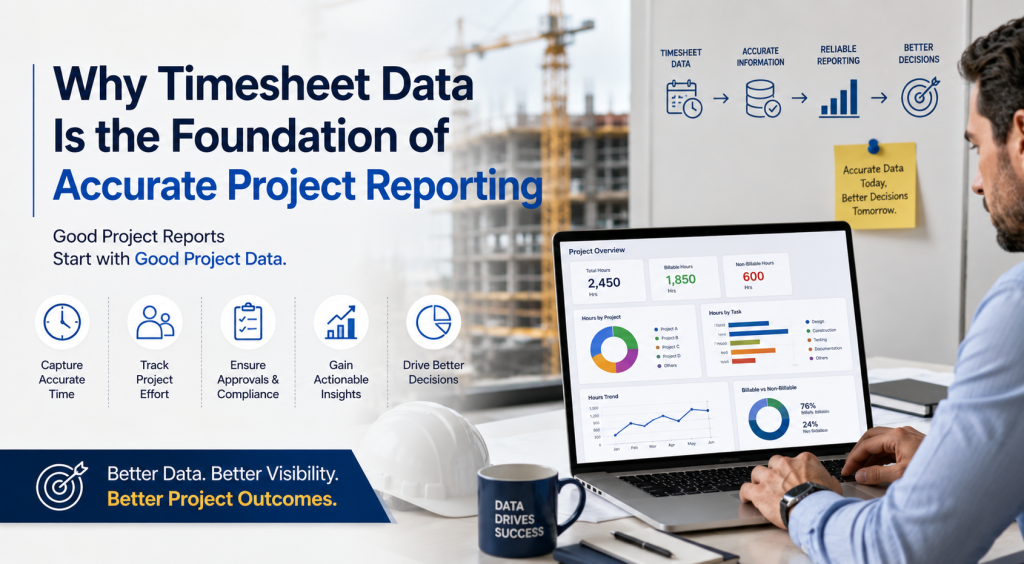
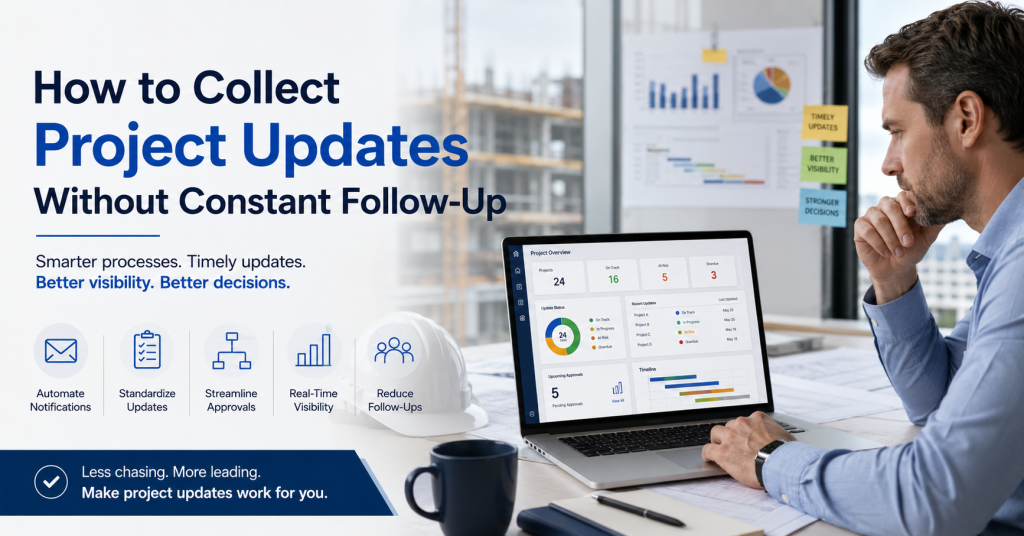
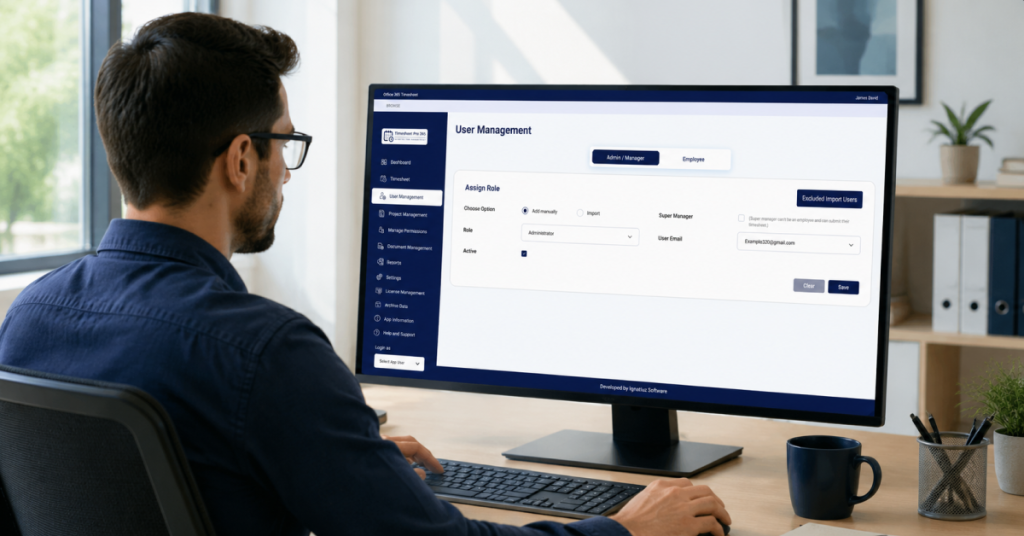
Why Site Updates Reach Primavera Too Late The Information Gap Most Construction Teams Experience Construction projects generate a constant flow of information. Every day, site managers monitor progress, track completed activities, identify delays, coordinate resources, and resolve unexpected issues. The challenge is not a lack of information. The challenge is ensuring that the right information reaches the right people at the right time. In many construction organizations, site teams have a clear understanding of what is happening on the ground. However, by the time that information reaches project controls teams, planners, or management reports, valuable time has already passed. As a result, project decisions are often based on information that is no longer current. Project Information Often Travels Through Too Many Steps A typical construction project involves multiple stakeholders. Information may move through several stages before it reaches Primavera or management reports: Site supervisors collect updates Site managers review progress Updates are shared through emails, calls, or meetings Information is consolidated into spreadsheets Project controls teams update schedules Reports are generated for management Each additional step introduces the possibility of delay. Even when every team is doing its job correctly, the process itself can slow down the flow of information. The result is a gap between what is happening on-site and what is reflected in project schedules and reports. When Reporting Depends on Follow-Ups Many project managers spend a significant amount of time chasing updates. Questions such as: Has today's progress been reported? Have labor hours been submitted? Were delays documented? Has the schedule been updated? become part of the weekly routine. Instead of focusing on project execution, teams spend valuable time collecting information from multiple sources. As projects grow larger, the number of follow-ups increases. The reporting process becomes dependent on people remembering to send updates rather than a consistent and structured process. The Cost of Delayed Project Information Delayed information does not always create immediate problems. However, over time, it affects decision-making. Schedule Visibility When project schedules are not updated promptly, management may not have a clear picture of actual project progress. Small delays can remain unnoticed until they become larger issues. Resource Planning Resource allocation decisions often depend on current project information. When updates are delayed, teams may be assigned based on outdated assumptions. Reporting Accuracy Executives rely on project reports to understand performance and identify risks. The longer it takes to collect information, the greater the possibility that reports no longer reflect current site conditions. Technology Is Rarely the Main Problem Many organizations already have planning and scheduling systems in place. The challenge is usually not the scheduling platform itself. The challenge is the process used to collect and transfer information from the field. When updates are captured late, shared inconsistently, or maintained across multiple spreadsheets, even the most sophisticated planning tools can only work with the information they receive. Improving project visibility often starts with improving how information is collected and shared. Better Visibility Starts at the Source The most effective reporting processes are often the simplest. Rather than relying on multiple handoffs, organizations benefit from capturing information as close to the source as possible. When project updates are collected consistently and made available to stakeholders quickly, organizations can: Reduce reporting delays Improve schedule visibility Minimize follow-up effort Increase confidence in project information Support faster decision-making The goal is not simply to update schedules faster. The goal is to ensure that decision-makers have access to accurate and timely information when it matters most. Final Thoughts Primavera remains one of the most widely used scheduling platforms in the construction industry. However, schedule quality depends on the quality of the information feeding it. For many organizations, the challenge is not creating project plans. The challenge is ensuring that information from the field reaches planners, project controls teams, and management quickly enough to support effective decision-making. Reducing the gap between site activity and project reporting is often one of the most important steps toward improving overall project visibility.

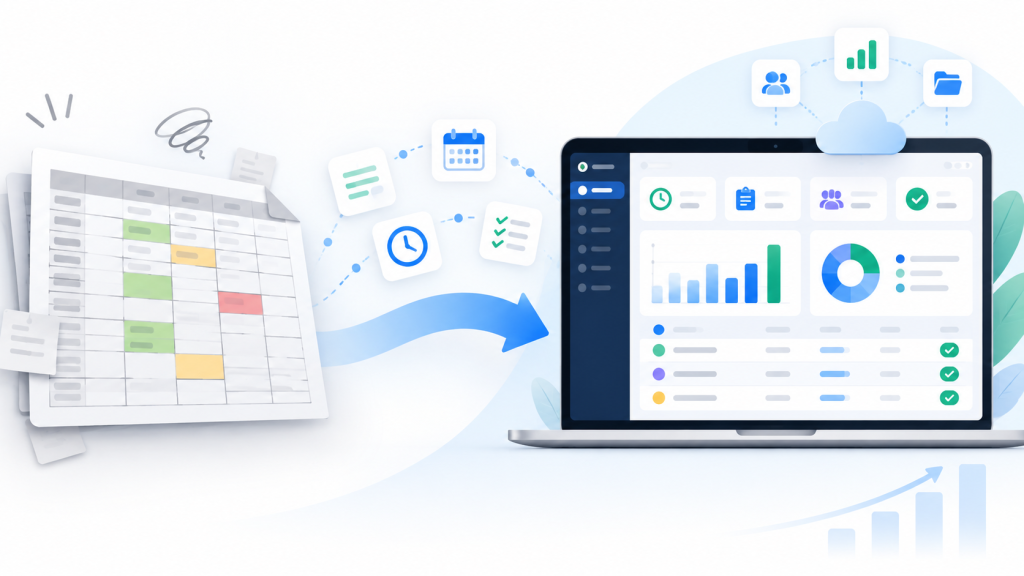
Project team managing project tracking and reporting data across multiple sources with dashboards, workflows, and collaboration tools beyond Excel spreadsheets
Uncategorized

Why Growing Project Teams Outgrow Excel for Tracking and Reporting

Why Growing Project Teams Outgrow Excel for Tracking and Reporting Excel Works Well – Until Project Complexity Increases Excel is often the first tool organizations use for project tracking and reporting. It is familiar, flexible, and easy to implement. However, as projects grow in size and complexity, organizations begin managing more resources, stakeholders, reporting requirements, and project updates. The spreadsheet itself is not the problem -the growing complexity around it is. Project Data Often Comes from Multiple Sources Many organizations collect project information from site teams, planning systems, emails, meetings, and daily reports. This information is then manually consolidated into Excel for reporting purposes. Each manual handoff increases the risk of delays, inconsistencies, and inaccurate information, making it harder to maintain confidence in project data. Multiple People Managing the Same Spreadsheet Creates Risk As projects grow, multiple individuals often update the same spreadsheet. Project managers, coordinators, finance teams, and executives may all interact with the same file. Over time, questions arise about ownership, version control, and data accuracy. Teams can end up spending more time validating information than discussing project outcomes. Reporting Becomes a Process of Consolidation Many project teams spend hours collecting updates, following up with stakeholders, combining spreadsheets, and preparing reports. Instead of focusing on project execution, significant effort is spent on assembling information. Reporting itself can become a major operational task. Better Visibility Requires More Than a Spreadsheet Growing organizations typically require centralized updates, approval workflows, automated notifications, project visibility, and consistent reporting. These needs often extend beyond what a spreadsheet was originally designed to support. Final Thoughts Excel remains a valuable business tool and will continue to play an important role in many organizations. However, as project operations become more complex, teams often need a more structured approach to collecting information, managing approvals, and maintaining visibility across projects. The goal is not to replace Excel – it is to reduce manual effort and improve confidence in project reporting.

Timesheet_swapped_CLEAN_2
Uncategorized

Timesheet Pro 365 vs Timesheet 365: Complete Comparison Guide

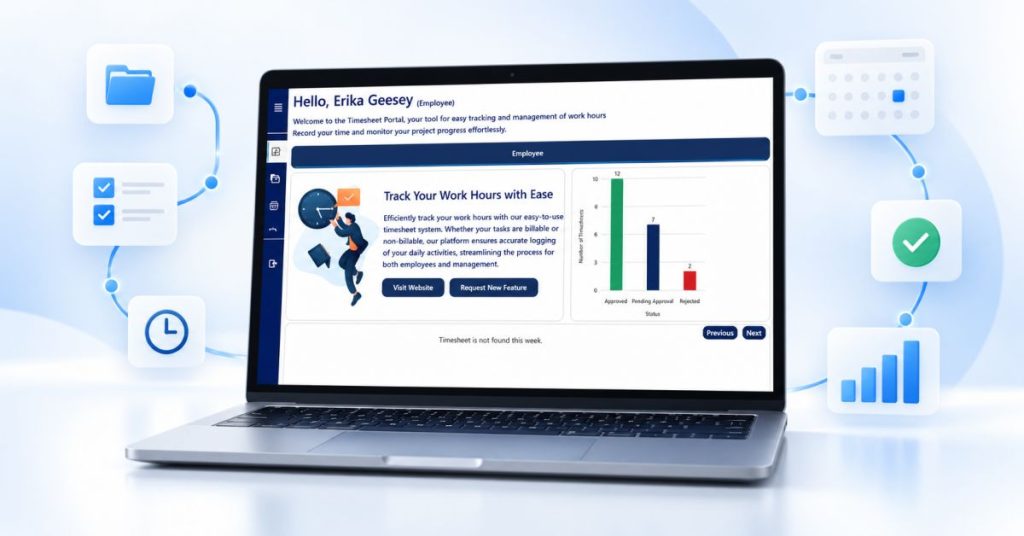
Timesheet Pro 365 vs Timesheet 365: Complete Comparison Guide Best Timesheet Application for you and your business What Is Timesheet Pro 365? Timesheet Pro 365 is a SharePoint-native time tracking solution, designed for organizations that want clarity, control, and seamless integration within Microsoft 365.Built as an SPFx web part, it works directly inside SharePoint and Microsoft Teams – allowing teams to log time, manage approvals, and generate reports without leaving their existing environment.It focuses on simplicity, scalability, and strong reporting, while ensuring that your data remains fully within your Microsoft 365 tenant.Best for: Organizations looking for a clean, reliable, and fully integrated time tracking system with minimal setup and strong reporting capabilities.Standout feature: Native SharePoint experience with unlimited users and strong Power BI integration, enabling scalable insights without added complexity. What Is Timesheet 365? Timesheet 365 is a comprehensive time tracking solution designed for organizations that require advanced automation, AI-driven insights, and extended customization.It integrates across Microsoft 365 services such as SharePoint, Teams, Power Automate, and Power BI, enabling organizations to build more complex and automated workflows.Best for: Organizations that need advanced features, automation, and deeper customization within their time tracking processes.Standout feature: AI-powered insights and flexible workflows for more complex operational environments. At a Glance Quick Comparison A side-by-side look at how both tools stack up across the dimensions that matter most to SharePoint-native organizations. Feature ⭐ Timesheet Pro 365 Timesheet 365 Starting Price $499/year Better Value $599.88/year ($49.99/mo) User Pricing Model Unlimited users, flat rate No per-user cost Per-user tiers, scales up fast SharePoint Native (SPFx) ✓ Full SPFx Web Part Partial — Microsoft 365 integrated Infrastructure Required ✓ Zero — uses existing M365 Minimal — additional setup needed Data Stays in Your Tenant ✓ 100% — SharePoint Lists Partial — depends on plan Setup Time < 30 minutes via AppSource Requires more configuration AI Features ✗ Not needed for core tracking ✓ AI-powered analytics Power BI Integration ✓ Great Power BI integration ✓ Deep integration Approval Workflows ✓ Built-in manager approvals ✓ Power Automate workflows Mobile Access Office 365 mobile (browser) Native iOS / Android app Microsoft Teams ✓ Full Teams integration ✓ Teams integration Free Trial 30-day free trial Longer Trial 14-day free trial Enterprise Plan ✓ $1,499/yr + customization ✓ $199.99/mo + per-user fees Why Pro Wins​ The Timesheet Pro 365 Advantage​ Six reasons why SharePoint-native organizations consistently choose Timesheet Pro 365 for reliable, cost-effective time tracking. 💰 Flat-Rate Pricing That Scales One price covers your entire organization – whether you have 10 or 10,000 users. No per-seat fees, no surprise invoices as your team grows. Timesheet 365 charges per-user tiers that escalate quickly for larger teams, adding $2–3/user beyond plan limits. 🏢 100% SharePoint Native Built as an SPFx Web Part that lives directly inside your SharePoint environment. No separate app, no context switching, no new platform to learn. Timesheet 365 integrates with Microsoft 365 broadly, but isn’t a native SharePoint SPFx web part in the same way. 🔒 Data Never Leaves Your Tenant All timesheet data is stored exclusively in your SharePoint Lists – inside your Microsoft 365 tenant. Only license validation touches an external server, and that carries zero user data. Complete data sovereignty – critical for enterprise security and compliance requirements. ⚡ Deploy in Under 30 Minutes Install from Microsoft AppSource, configure your site, add users and projects and you’re live. No IT infrastructure, no containerization, no DevOps involvement required. Timesheet 365’s broader feature set means more configuration steps and a steeper onboarding curve. 👥 No New Skills Required Your team already knows Microsoft 365. Timesheet Pro 365 feels native because it is. No training programs, no new tools, no Docker or Kubernetes expertise needed. Timesheet 365 introduces Power Automate, Power BI, and AI features that require additional learning investment. 🎯 Built for What You Actually Need Project-based time tracking, manager approvals, role-based dashboards, Power BI reporting, Microsoft Teams access — all delivered reliably without AI overhead or feature complexity you’ll never use. Need complex workflows? The Enterprise plan covers tailored workflows, custom integrations, and dedicated support. Pricing Breakdown​ Transparent Pricing vs. Tiered Complexity​ Timesheet Pro 365 keeps it simple: two clear plans, unlimited users, no per-seat surprises. ⭐ Recommended Timesheet Pro 365 Flat annual pricing · Unlimited users Professional Plan Unlimited users · AppSource deploy $499/year Enterprise Plan Unlimited users · Custom workflows · Dedicated support $1,499/year + customization Free Trial Full feature access 30 daysno charge ✓ 100-user org pays $499/yr. Cost per user: $4.99. Competitor charges $1,800+/yr for same team size. Timesheet 365 Per-user tiered pricing · Scales with headcount Standard Up to 10 users $49.99/month Plus Up to 20 users $74.99/month Premium Up to 30 users + $2/additional $149.99/month Enterprise Up to 30 users + $3/additional $199.99/month Feature by Feature Transparent Pricing vs. Tiered Complexity​ The same core features – delivered differently. Here’s what that means for your team. ⏱ Time Tracking Timesheet Pro 365 Project & task-based daily/weekly logging. Employees submit structured timesheets directly inside SharePoint. Draft, save, and submit in one familiar interface. Timesheet 365 AI-driven smart timer with idle detection and auto-suggestions. More advanced but requires users to learn new behaviors and interface patterns. ✅ Approvals Timesheet Pro 365 Built-in manager approval queue — review, approve, or reject with comments. Email notifications triggered automatically. No external tools needed. Timesheet 365 Power Automate-based workflows with multi-level approval support. Powerful but requires workflow configuration and Power Automate knowledge. 📊 Reporting & BI Timesheet Pro 365 Filterable reports by employee, project, date range, and status. Export to Excel. Great Power BI integration for visual dashboards. Daily breakdown and missing timesheet reports built in — all within SharePoint. Timesheet 365 Power BI dashboards with deep analytics and profitability tracking. Excellent for data-heavy organizations, but requires additional Power BI licensing and setup effort. 🔐 Security Timesheet Pro 365 Inherits your Microsoft 365 security stack – MFA, SSO, SharePoint permissions, role-based access. Data stays entirely within your tenant. Zero external data exposure. Timesheet 365 Microsoft 365 integrated with Azure AD. Security is solid but broader integrations (500+ apps, external users) introduce additional attack surface to manage. 💬 Microsoft Teams Timesheet

Scroll to Top